
Drawing Analyzer
No more
surprise tolerances.
No more surprise tolerances.
Drawing Analyzer flags the critical DFM concerns on every 2D print in seconds. You can decide right away whether you can make the part, whether it needs a programmer’s review, or whether to charge more for the risk.
Stop spending hours quoting parts you can’t make
Send programmers only the parts that need them
Price the risk into tight-tolerance jobs before you’re committed
Some parts cost you before you win them.
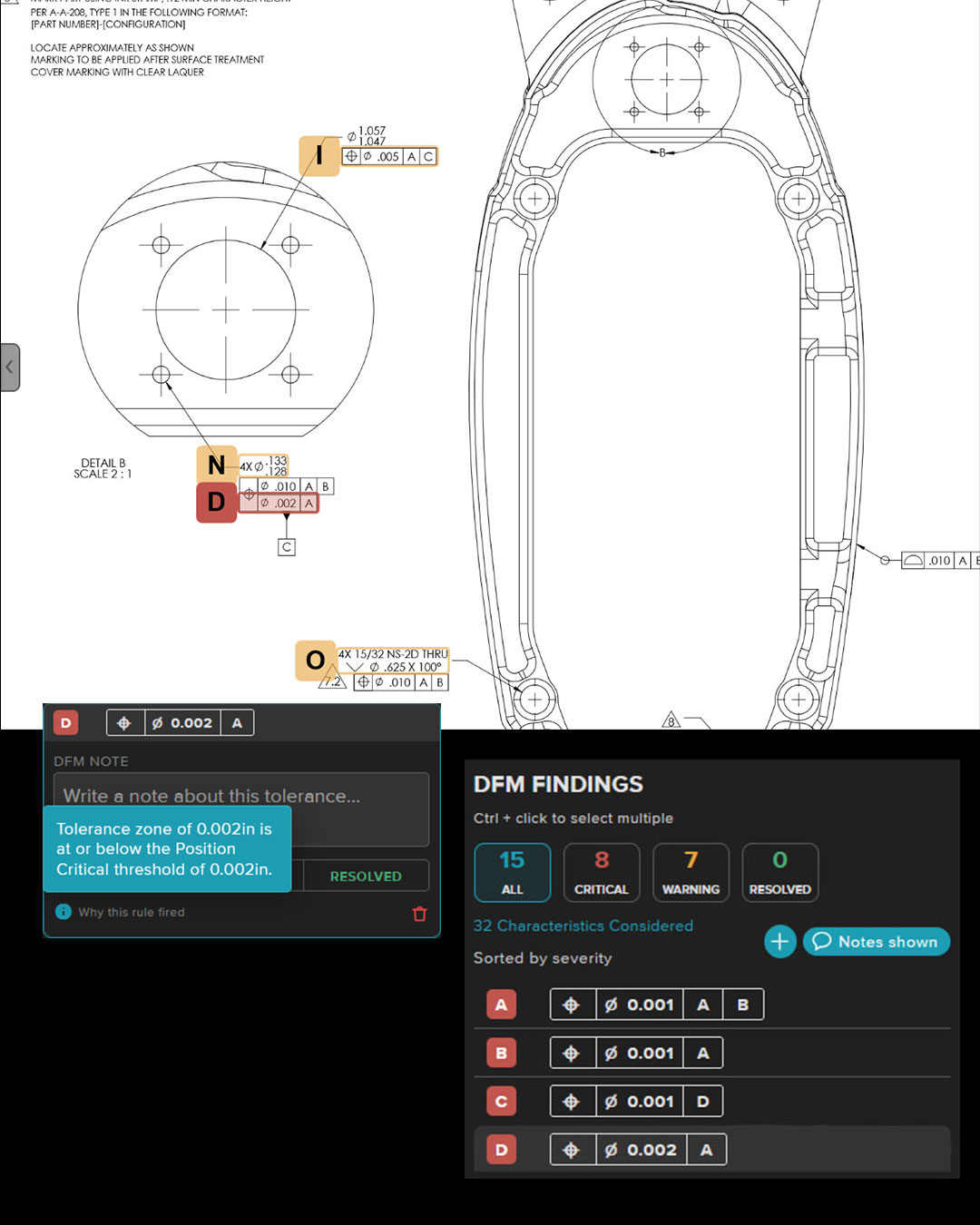
You spend an hour quoting a part, then find out the tolerances are beyond what your shop can hold. Or you miss a ⌀.002 position callout in Detail B, price it like the rest of the part, and find out at the inspection bench. Either way you’ve lost estimator time, programmer time or margin on a job that should have been flagged in the first five minutes.
Drawing Analyzer flags what matters on every print so you know right away whether to quote it, review it or price in the risk.
Know which parts need a closer look, in seconds
Walk away early from parts you can’t make
Programmers review only the parts that need them
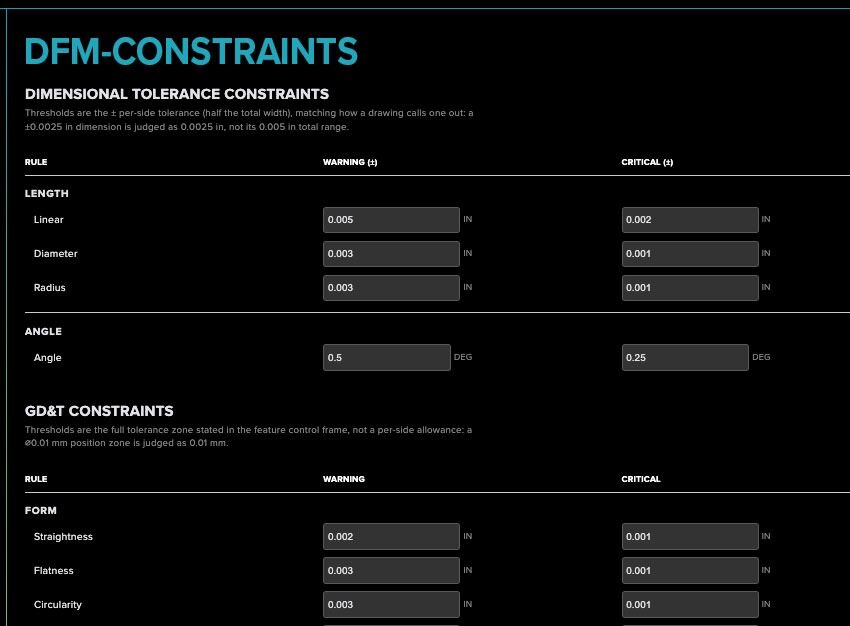
Your limits decide what’s risky
Your customers’ drawings stay protected.
Drawing Analyzer runs inside Machine Research’s secure platform. All customer data stays in AWS GovCloud, and Machine Research is ITAR registered, so it’s built for shops that handle controlled drawings.
Hosted in AWS GovCloud
ITAR registered
FedRAMP Moderate authorization underway
Built for what's next
Built to protect data and support CMMC 2.0 compliance
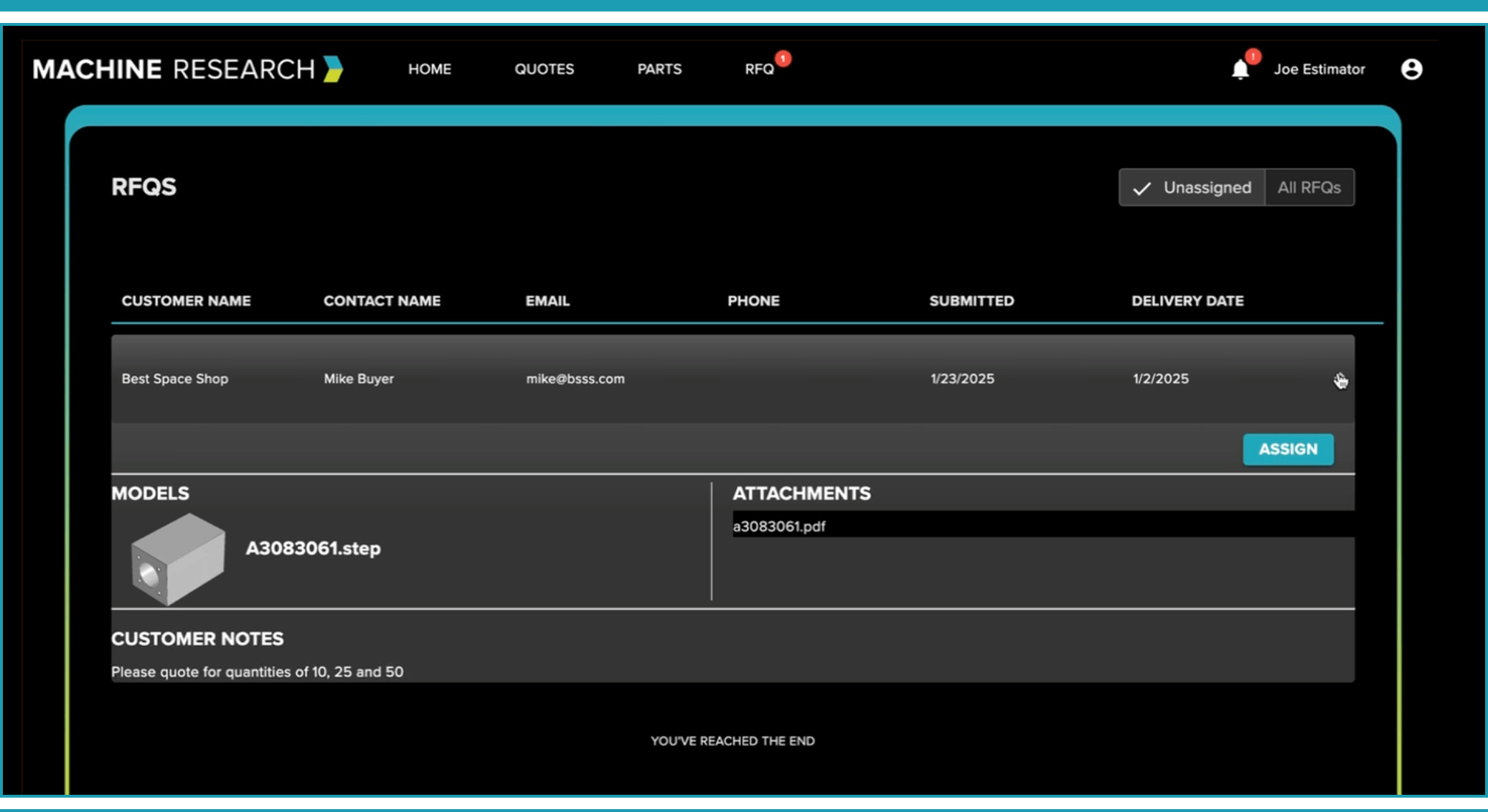
Connects to the tools your shop already uses
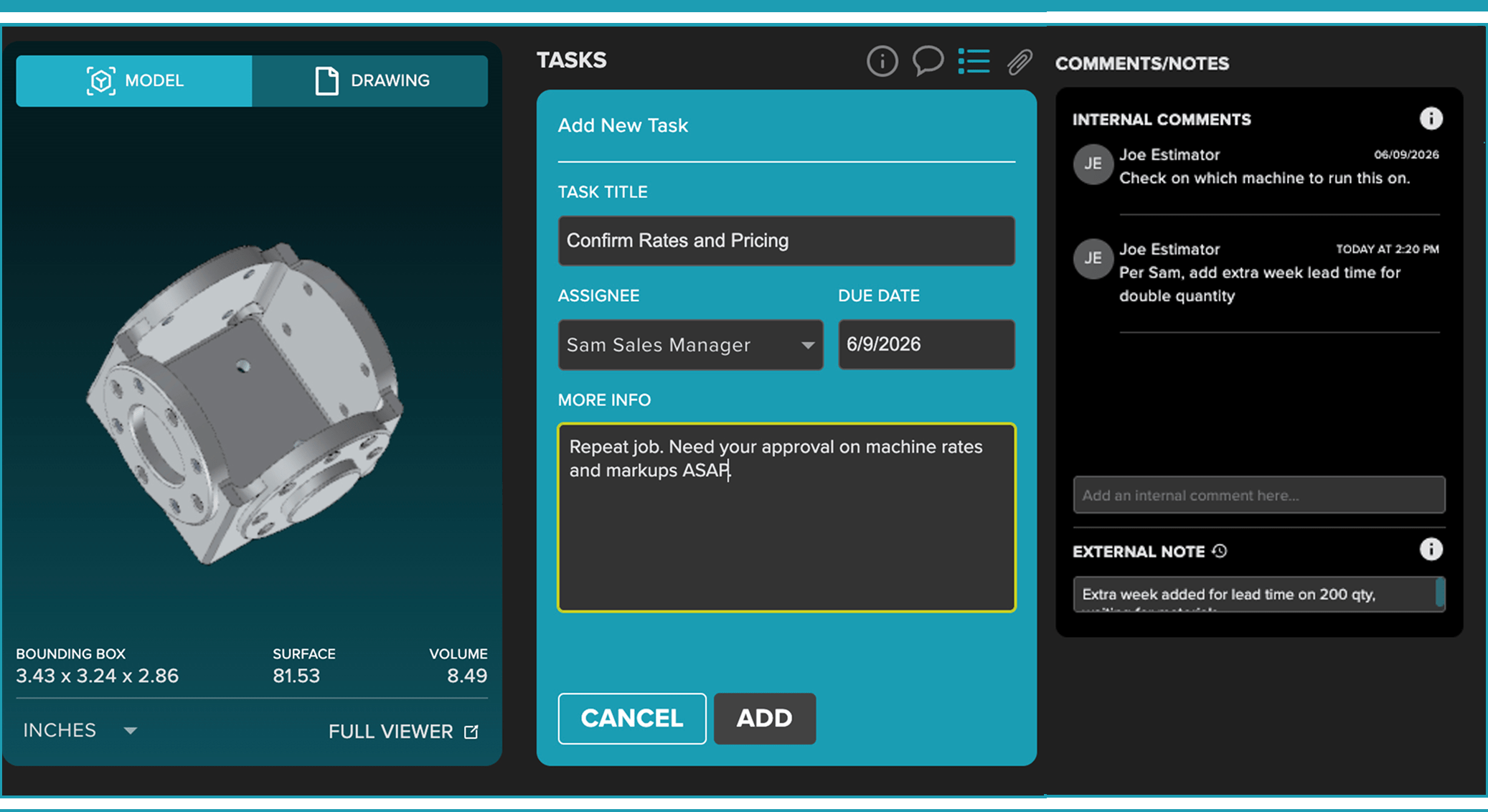
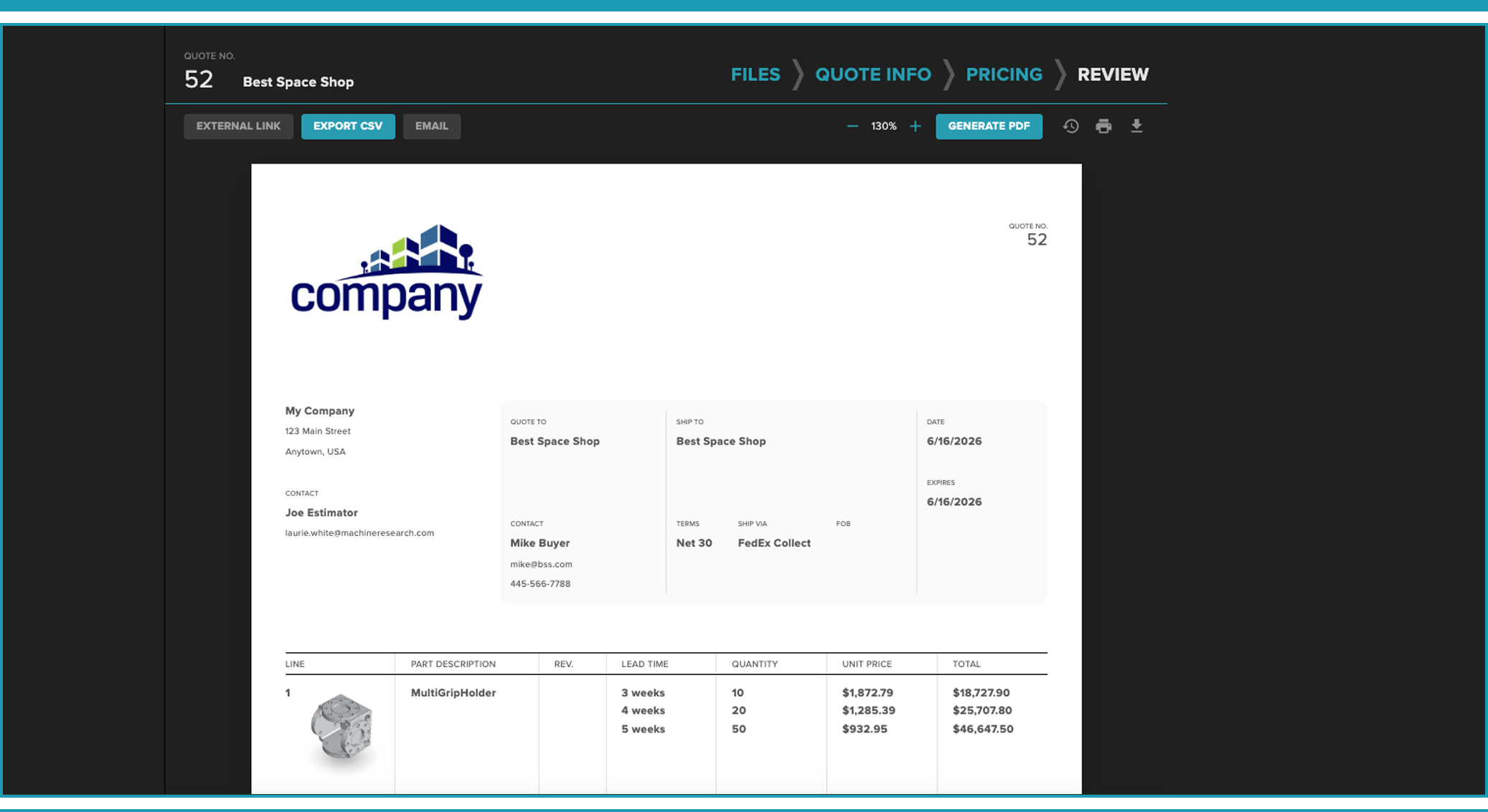
Everything your shop needs to quote faster — in one connected platform.
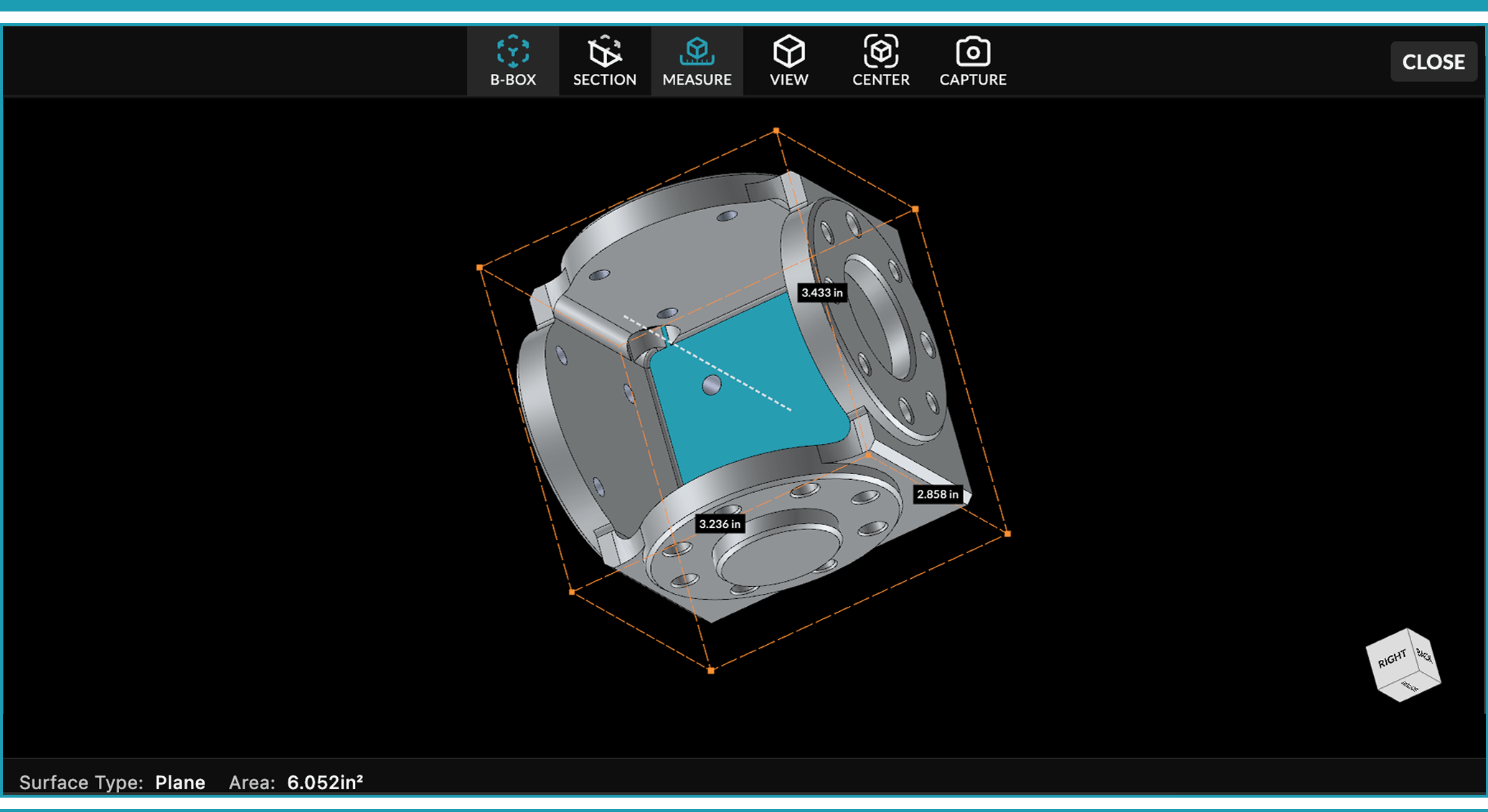
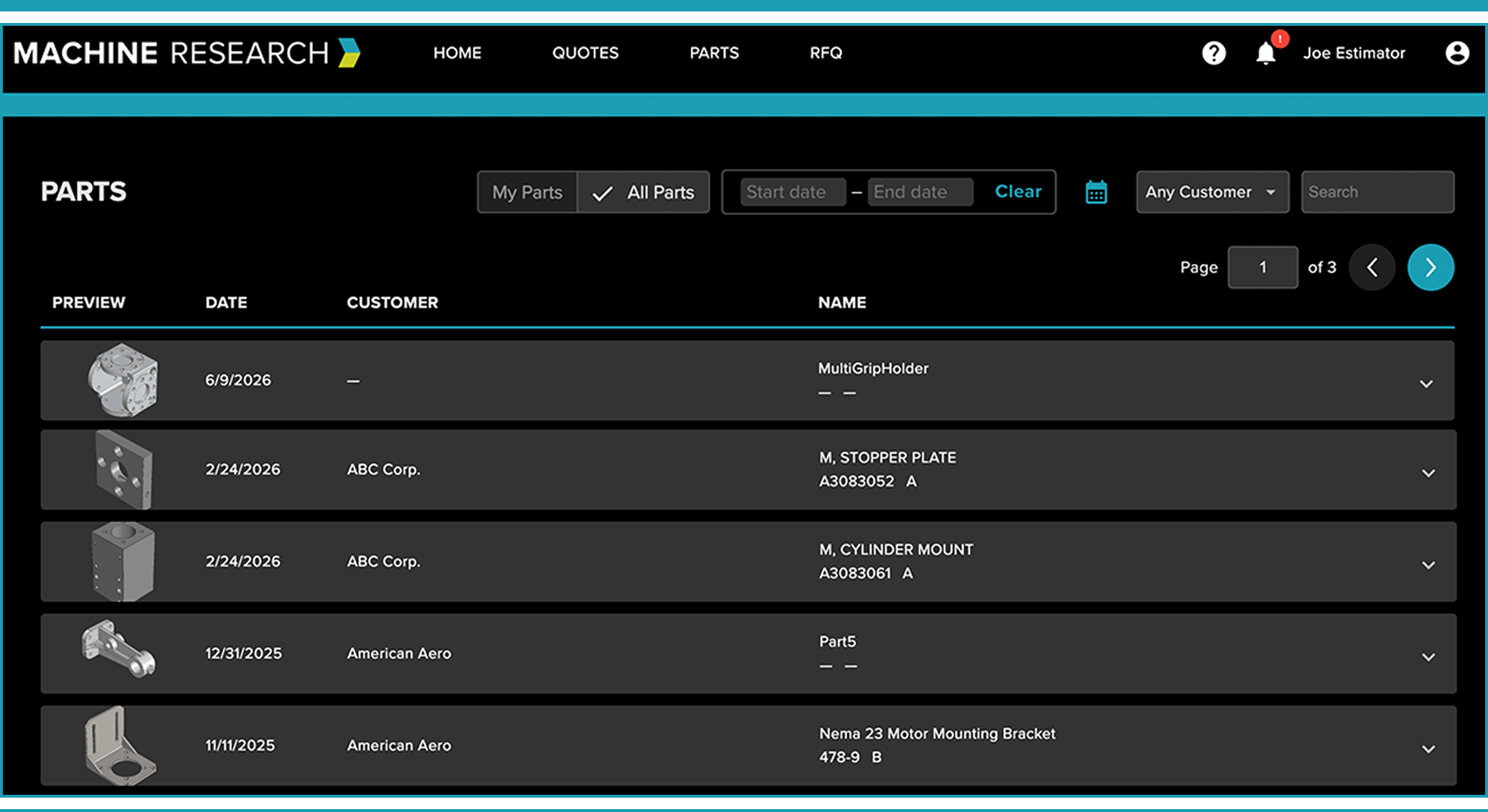
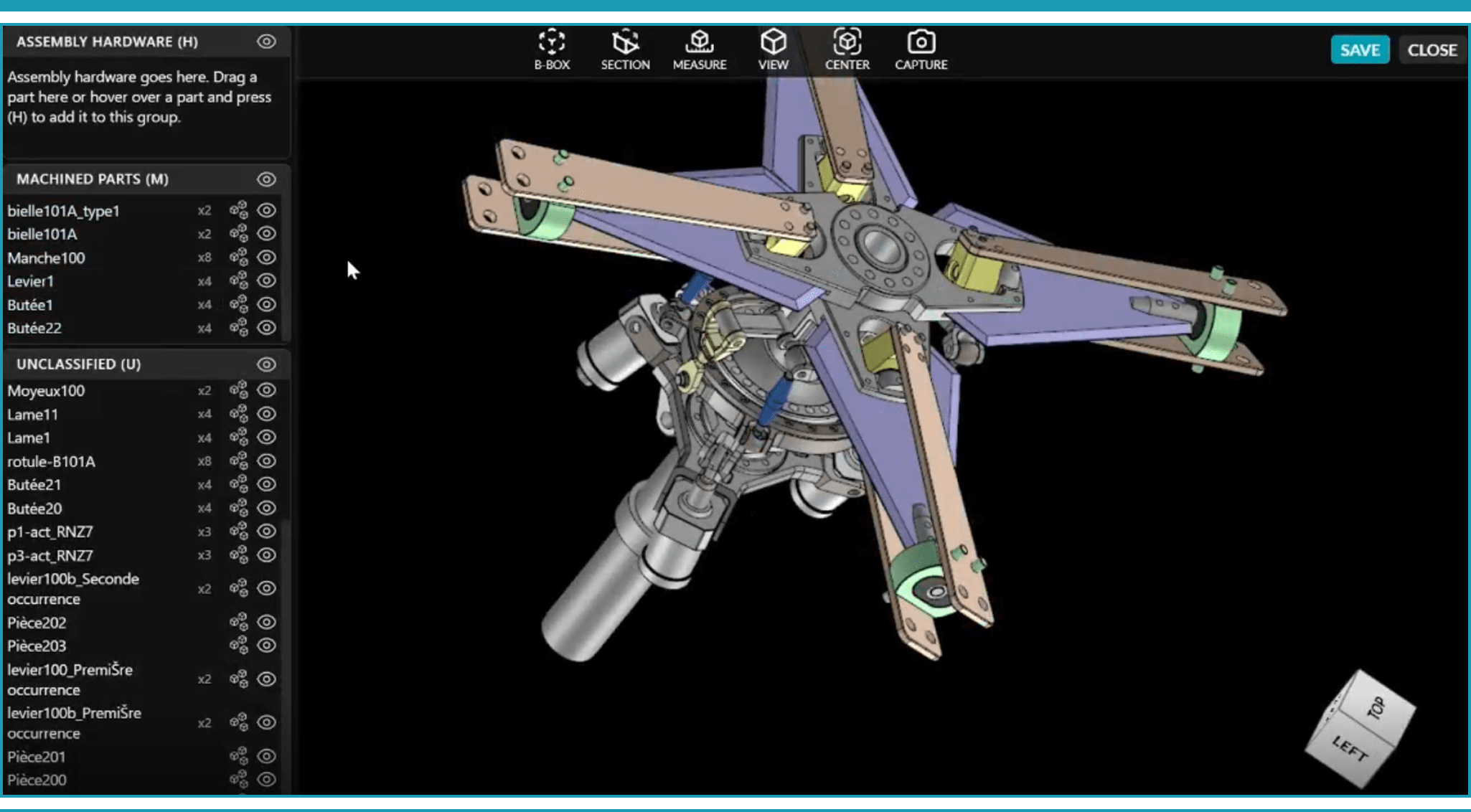
Upload CAD, PDFs, or drawing files individually or in batches — and see the actual 3D part in your browser, no CAD license required. Rotate, measure, section, and analyze geometry before your estimator writes a single number. Supports STEP, CATIA, X_T, SLDPRT, and 10 more file types.
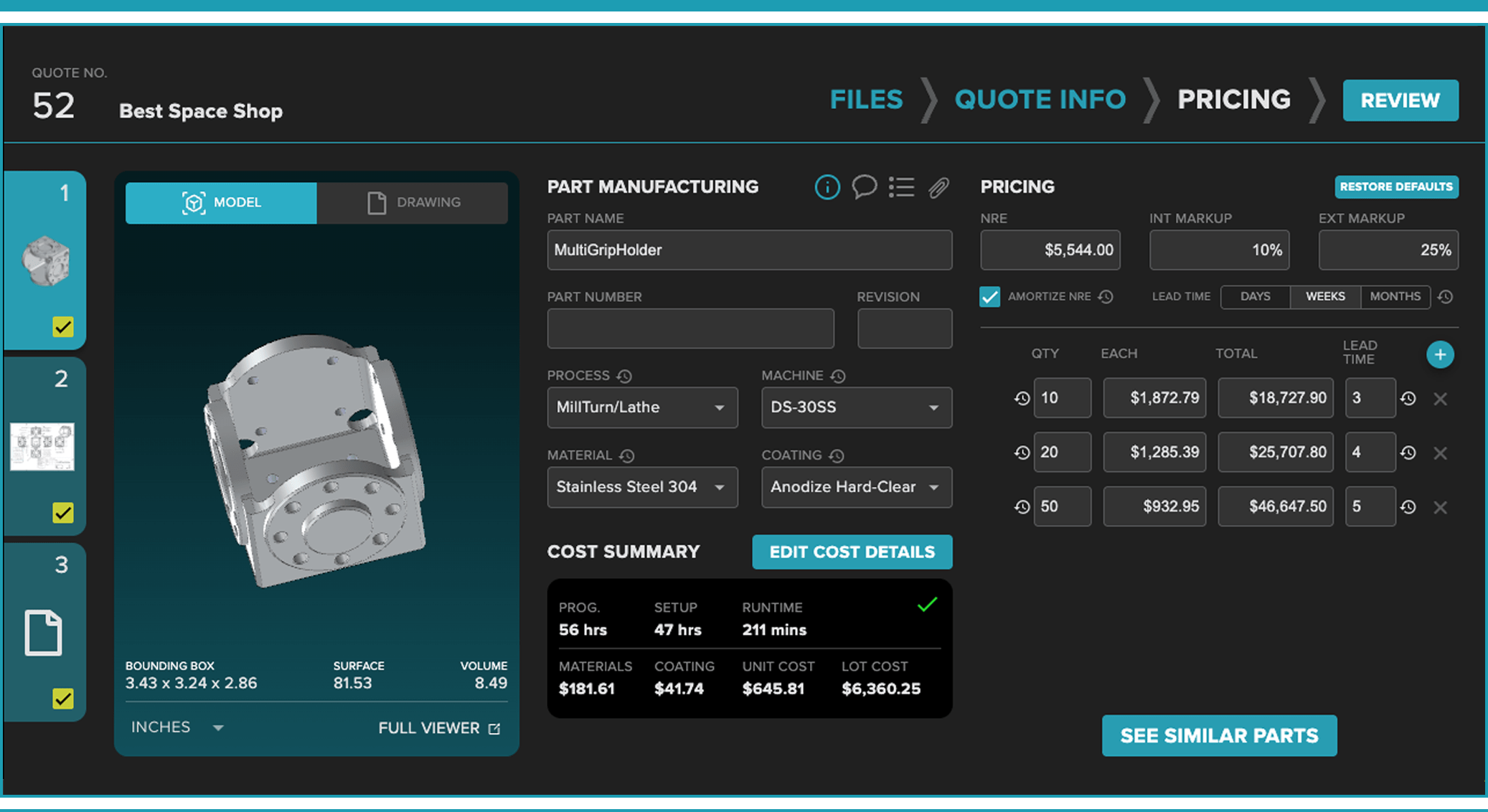
Assembly Estimating
These Shops Stopped Interrupting Their Programmer. Here's What Changed.

Matthew Dobias, A.R. Machining

Klaus Willroider, Camcor Industries
Ready to see what’s hiding in your next print?
Upload a drawing and see what Drawing Analyzer flags against your shop’s limits before you commit to a price.
FAQS
How does Drawing Analyzer decide what to flag?
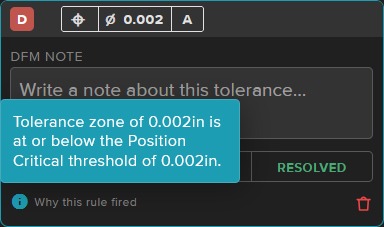
Every finding comes from the thresholds your shop sets in DFM Constraints. Each flag shows the requirement, the calculated tolerance and the limit it crossed, so you can see exactly why it fired.
Where is my drawing data stored?
All customer data stays in AWS GovCloud. Machine Research is ITAR registered.
Can I set my own tolerance limits?
Yes. In DFM Constraints you set Warning and Critical thresholds for linear, diameter, radius and angle tolerances, plus each of the 14 GD&T controls, in standard or metric units.
Does it read general tolerances from the title block?
Yes, when it can reliably match the general-tolerance rule to a dimension. Findings show when their limits came from a general tolerance. If a note is ambiguous, Drawing Analyzer doesn’t guess.
Does Drawing Analyzer decide whether a part can be made?
No. You and your team make that call. Drawing Analyzer gets you there faster by showing the requirements most likely to affect process, inspection, cost or lead time, so you can decide quickly whether to quote the part, review it or price in the risk.
How does it handle MMC/LMC modifiers?
It keeps the modifier information and screens the base tolerance printed in the feature control frame. It doesn’t assume bonus tolerance, because that depends on the actual size of the finished feature.
How does Drawing Analyzer save programmer time?
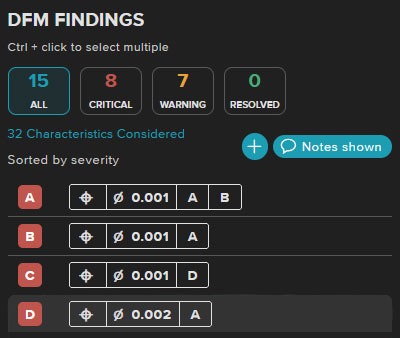
Programmers often review every part just to find the few with real risk. Drawing Analyzer sorts parts by severity, so low-risk parts can be estimated right away and only the higher-risk ones go to a programmer, with each concern already marked on the drawing.