



what you can't see.
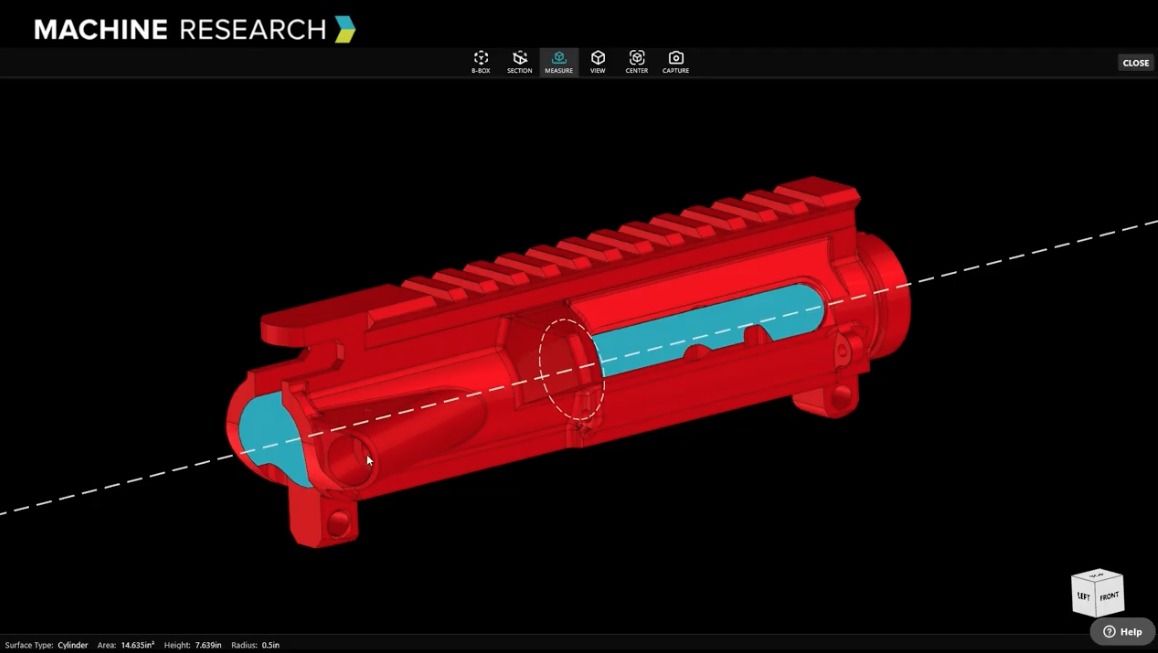
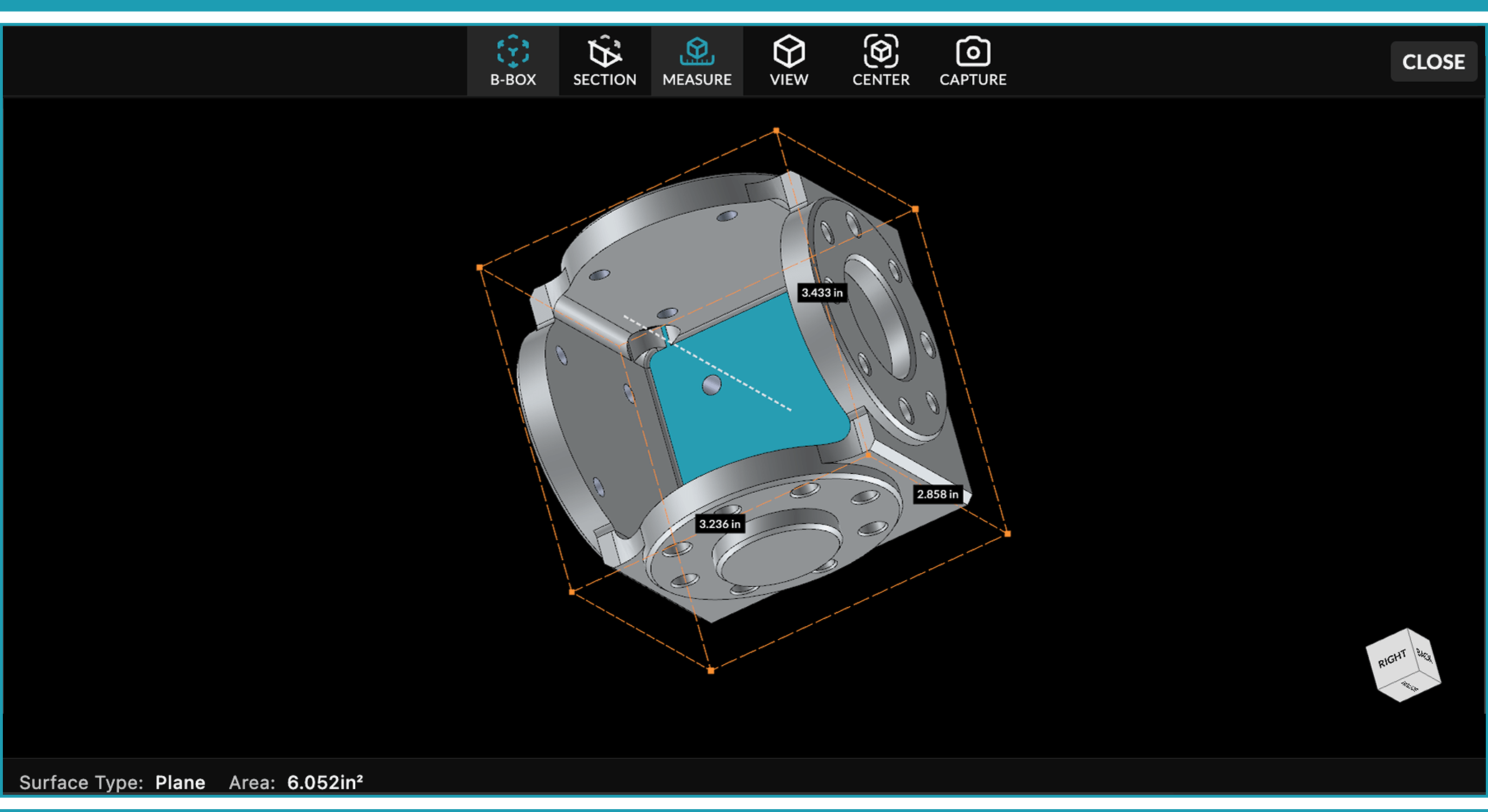
Select any surface and Machine Research tells you exactly what it is — cone, torus, cylinder, flat plane — along with its dimensions. So you know it’s a chamfer, not a radius. You know how it machines. And you know that before your estimator guesses.
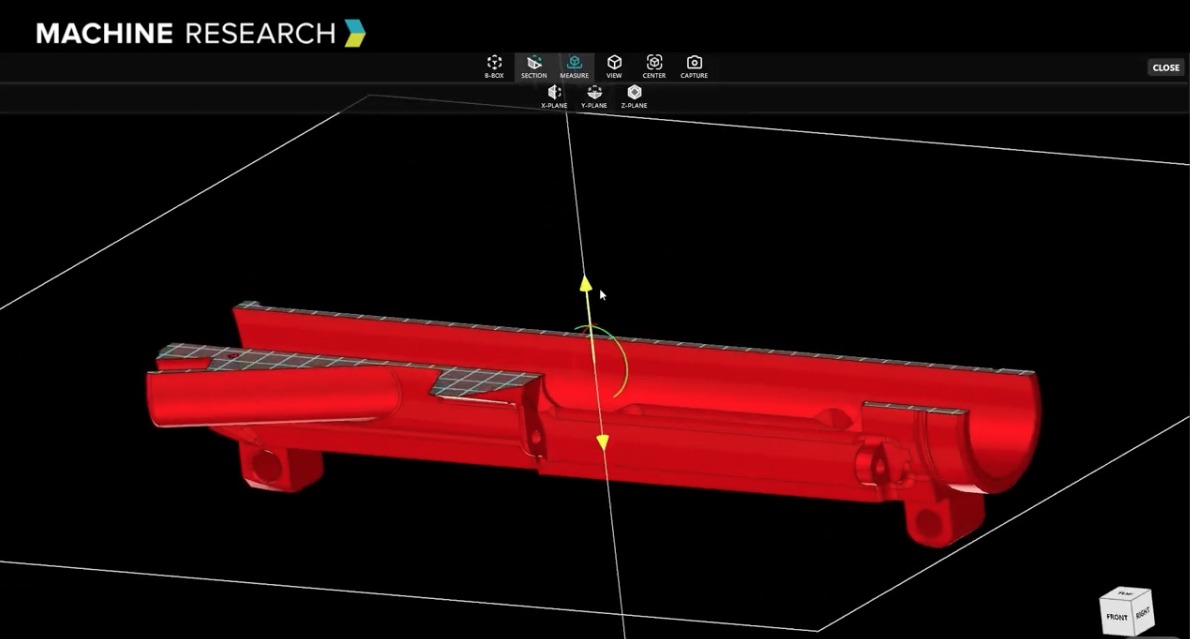
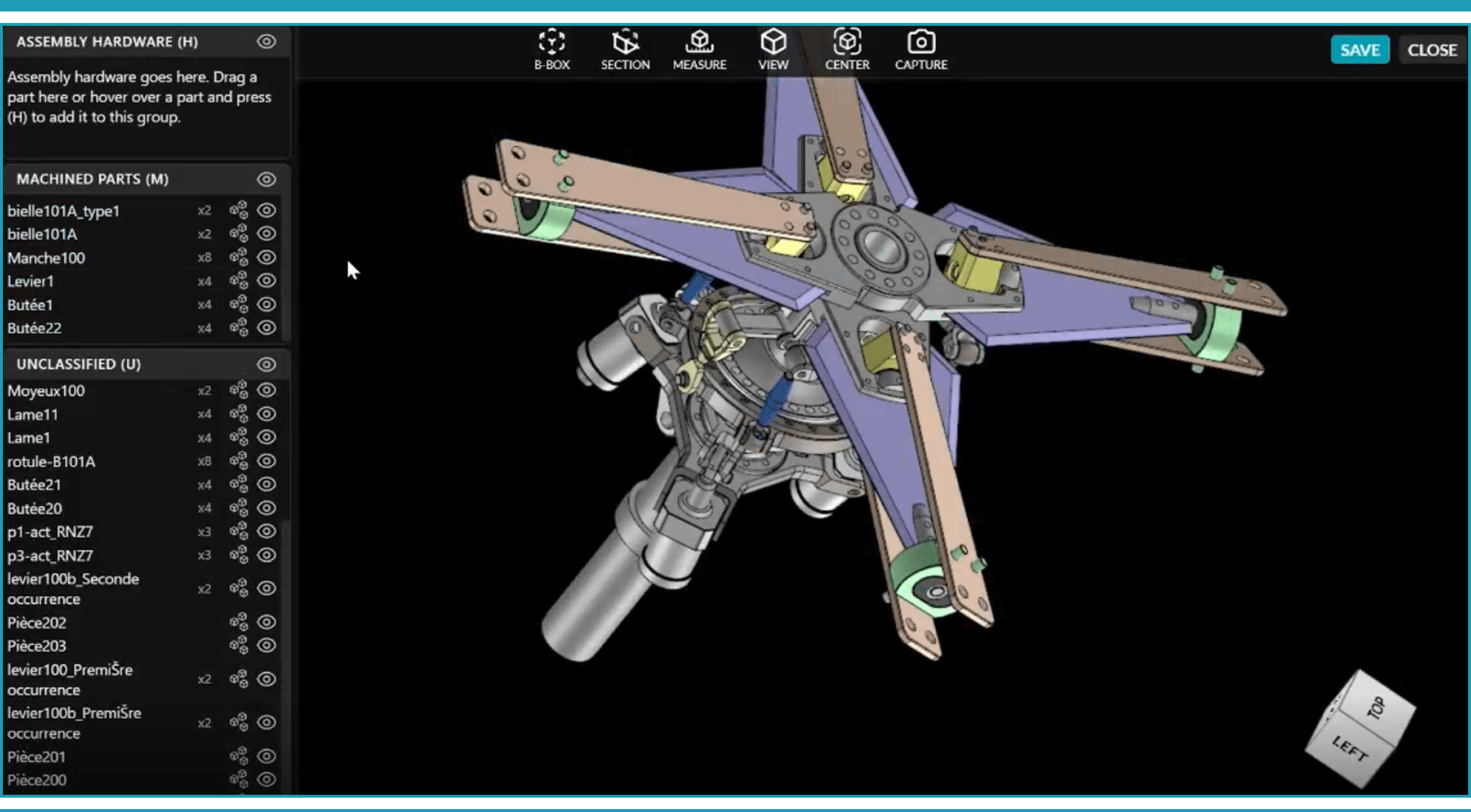
Point to point. Surface to surface. Angle between two faces. Distance between flat planes. Bounding box calculated instantly. Section view to expose internal geometry. All of it available in one click, in your browser, with no software to install or license to maintain.
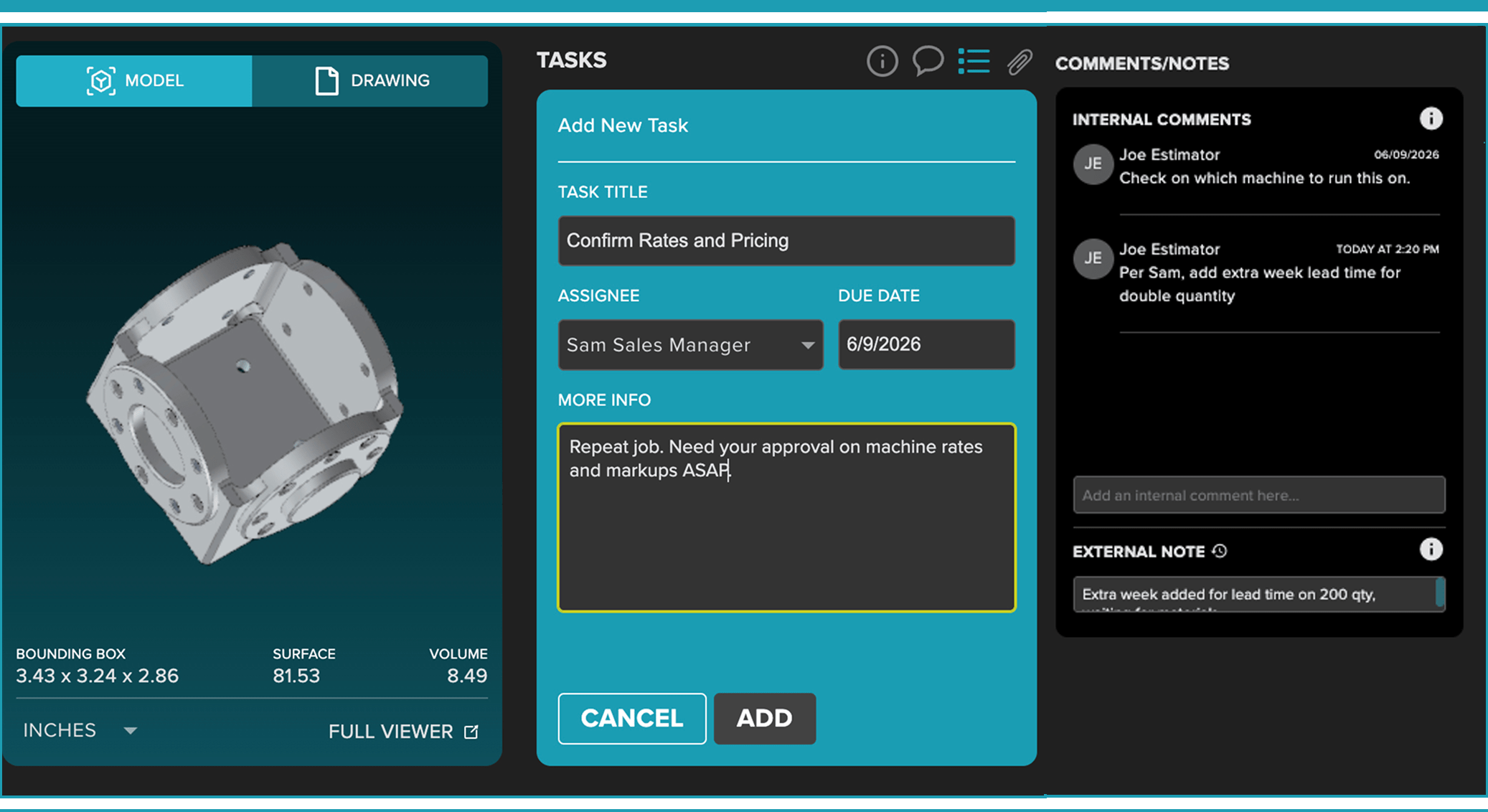
Select any surface, add a note, and copy it straight to your clipboard. Questions about a feature stay attached to the part — not buried in an email thread — so your team stays aligned and nothing gets missed in the quote.
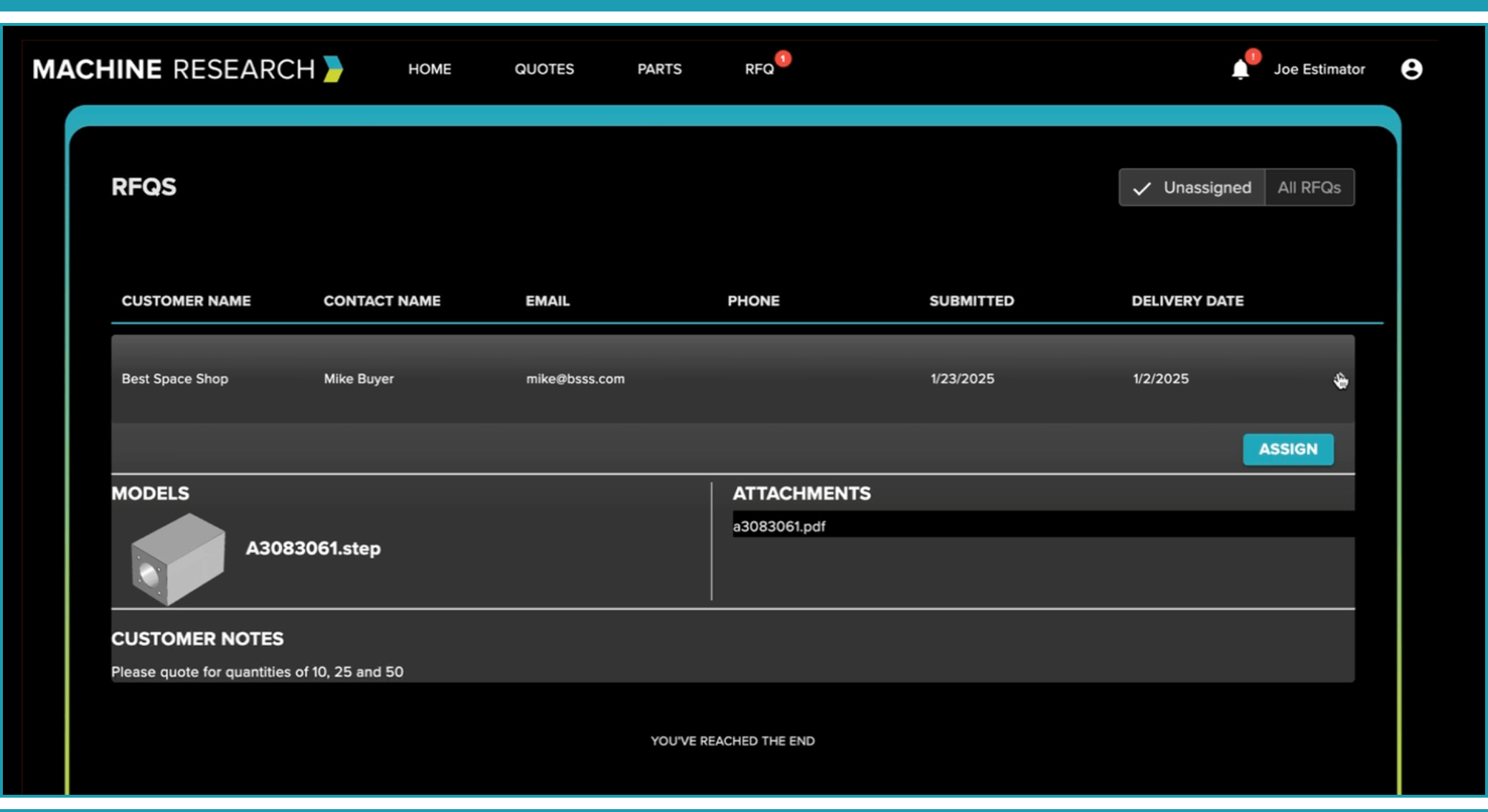
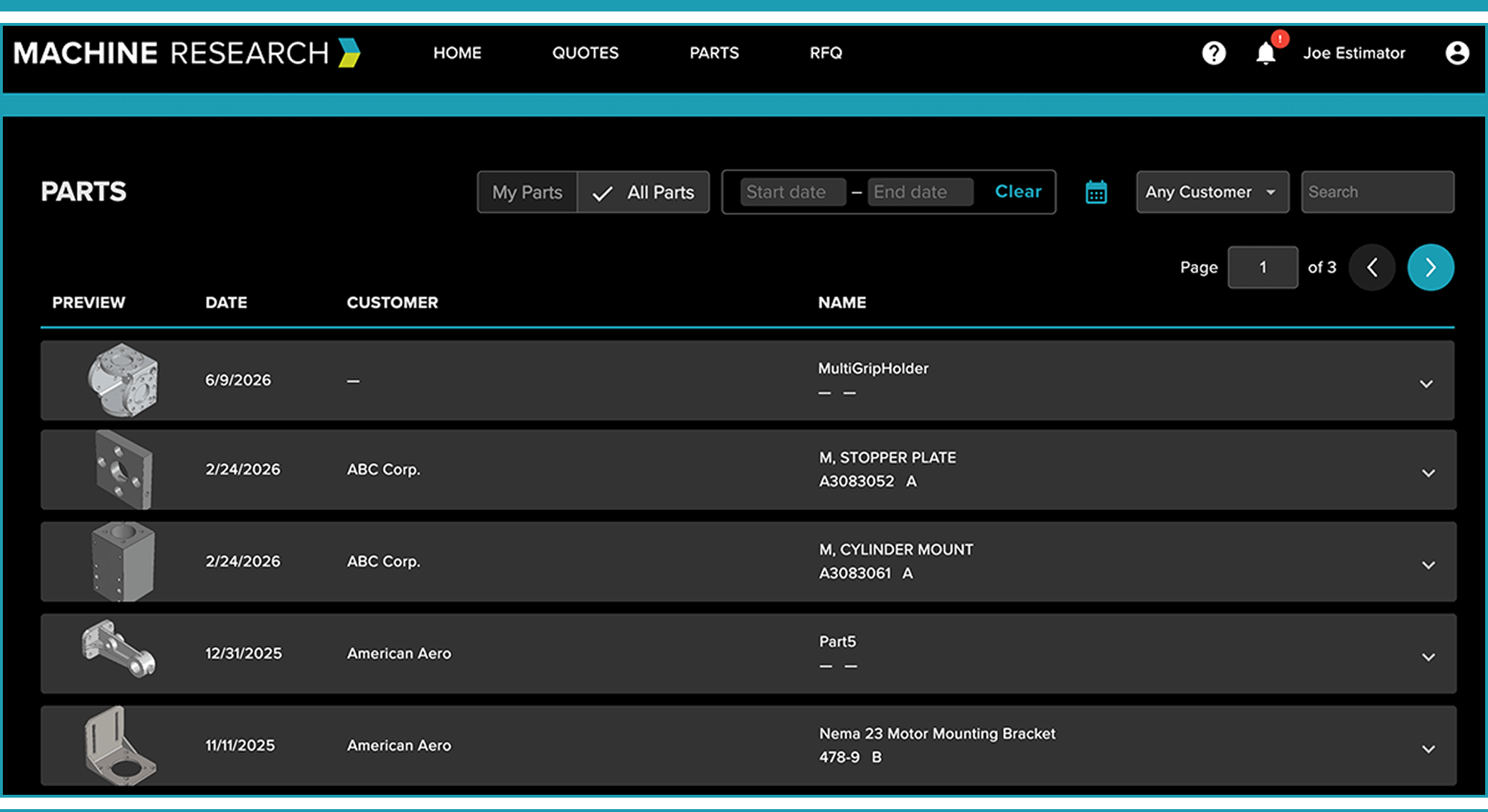
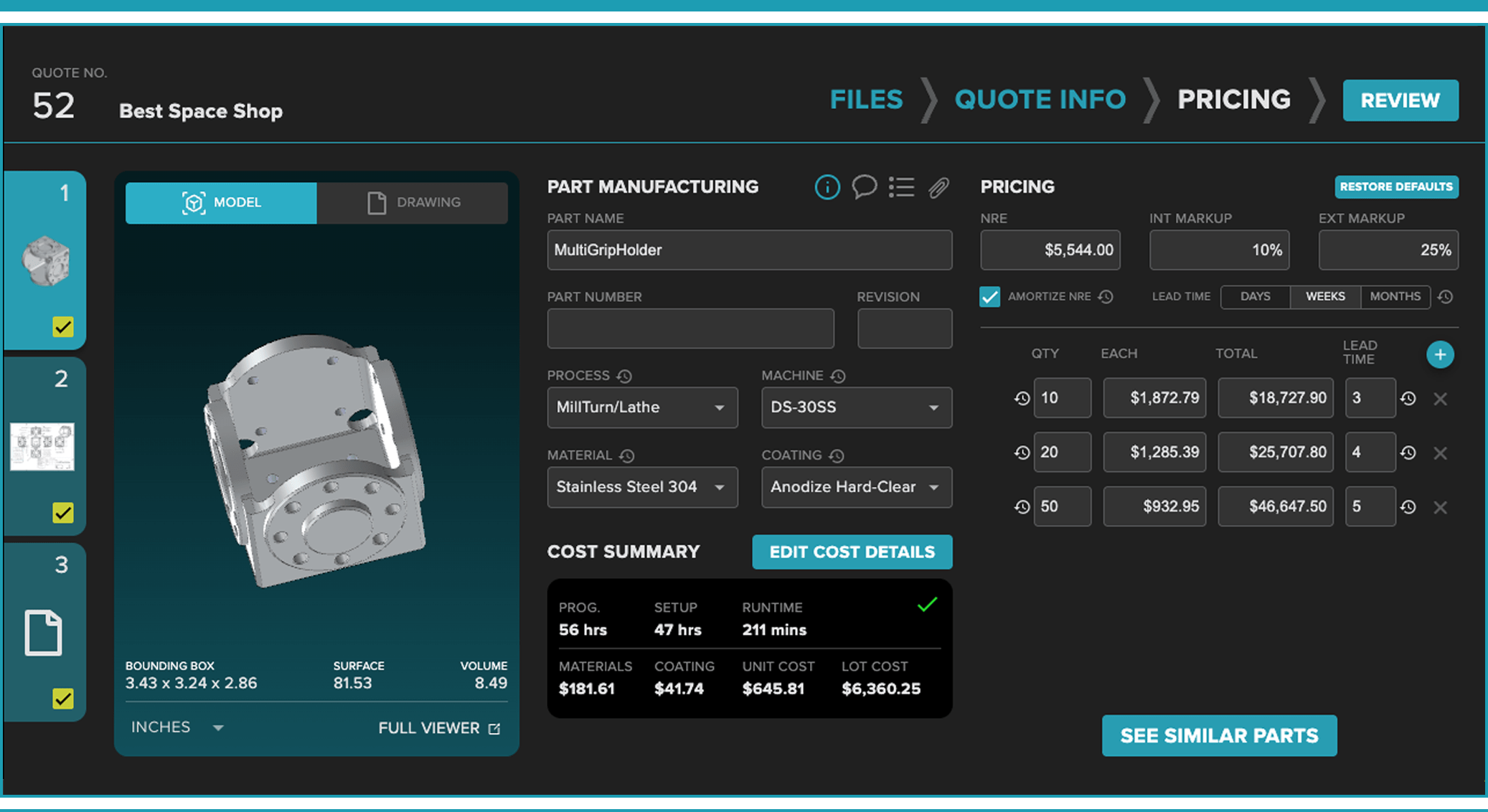
Upload CAD, PDFs, or drawing files individually or in batches — and see the actual 3D part in your browser, no CAD license required. Rotate, measure, section, and analyze geometry before your estimator writes a single number. Supports STEP, CATIA, X_T, SLDPRT, and 10 more file types.


Machine Research includes a powerful 3D CAD part viewer at no additional cost inside our estimating and quoting platform. It is not sold as a standalone viewer, but is built specifically to help machine shops analyze parts and quote faster.
Our viewer supports common 3D CAD file formats including CATIA, X_T, STEP, and other standard manufacturing file types used by machine shops.
No. Machine Research allows you to open, rotate, measure, section, and analyze 3D part files directly in your browser—no additional CAD licenses required.
Yes. You can measure:
Surface areas
Radii
Distances between points
Angles using three-point selection
Cylinder axis measurements
Section views for internal inspection
All directly inside the browser.
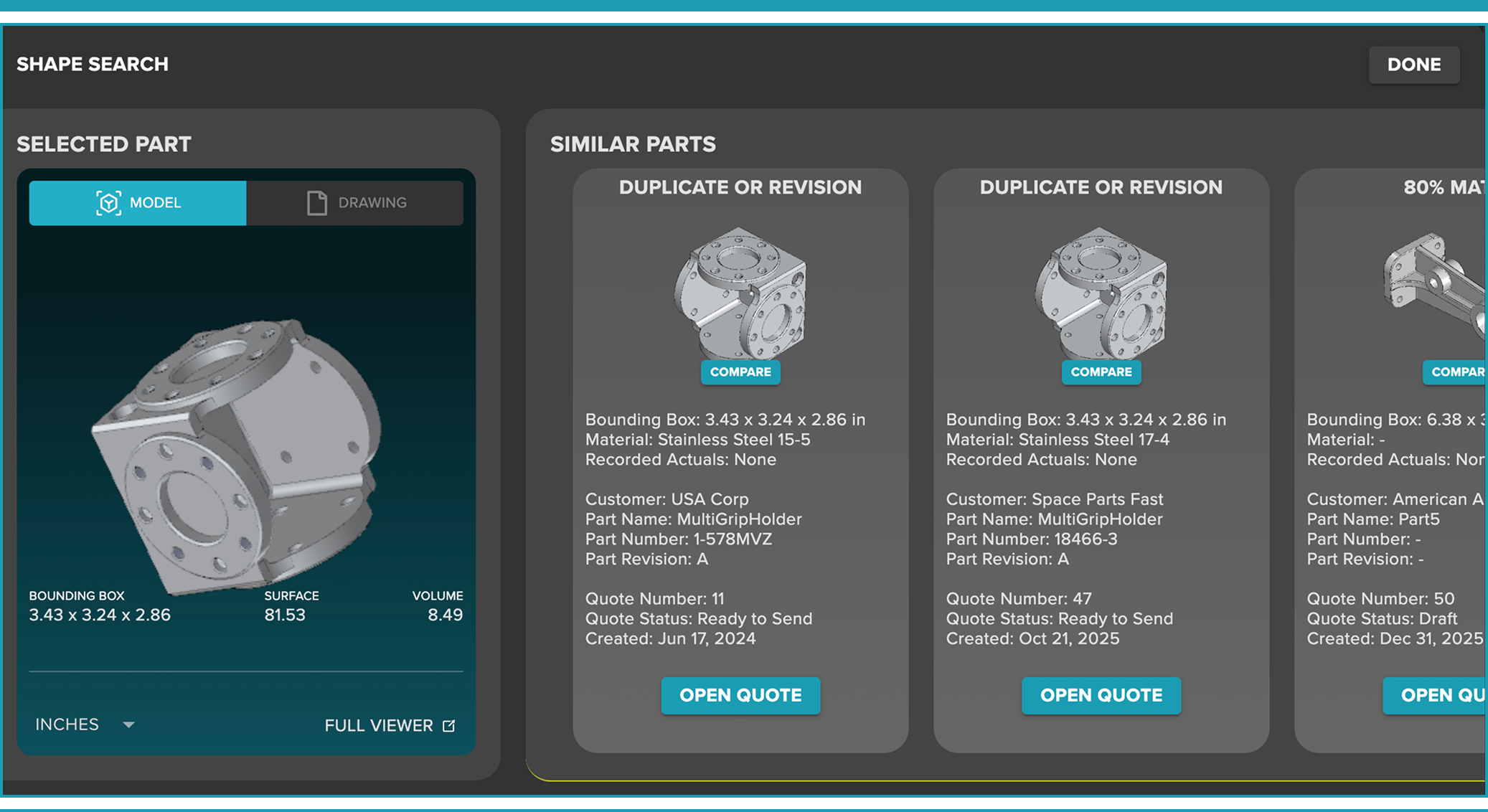
ShapeSearch™ scans your uploaded part library to find similar parts based on geometry. It shows percentage matches and overlays differences, helping machine shops leverage past job data to quote faster and more accurately.
No. Machine Research is not a standalone CAD viewer download tool. It is part of a professional estimating and quoting platform built specifically for machine shops.
No. The part viewer is included as part of the Machine Research estimating and quoting platform and is designed to support machine shops in winning profitable work.