

ShapeSearch™
Stop re-quoting parts you've already priced.
Stop
re-quoting parts you've already priced.
Do a visual search for similar parts in your database to find and reuse prior costing and pricing data to speed up estimating and quoting.
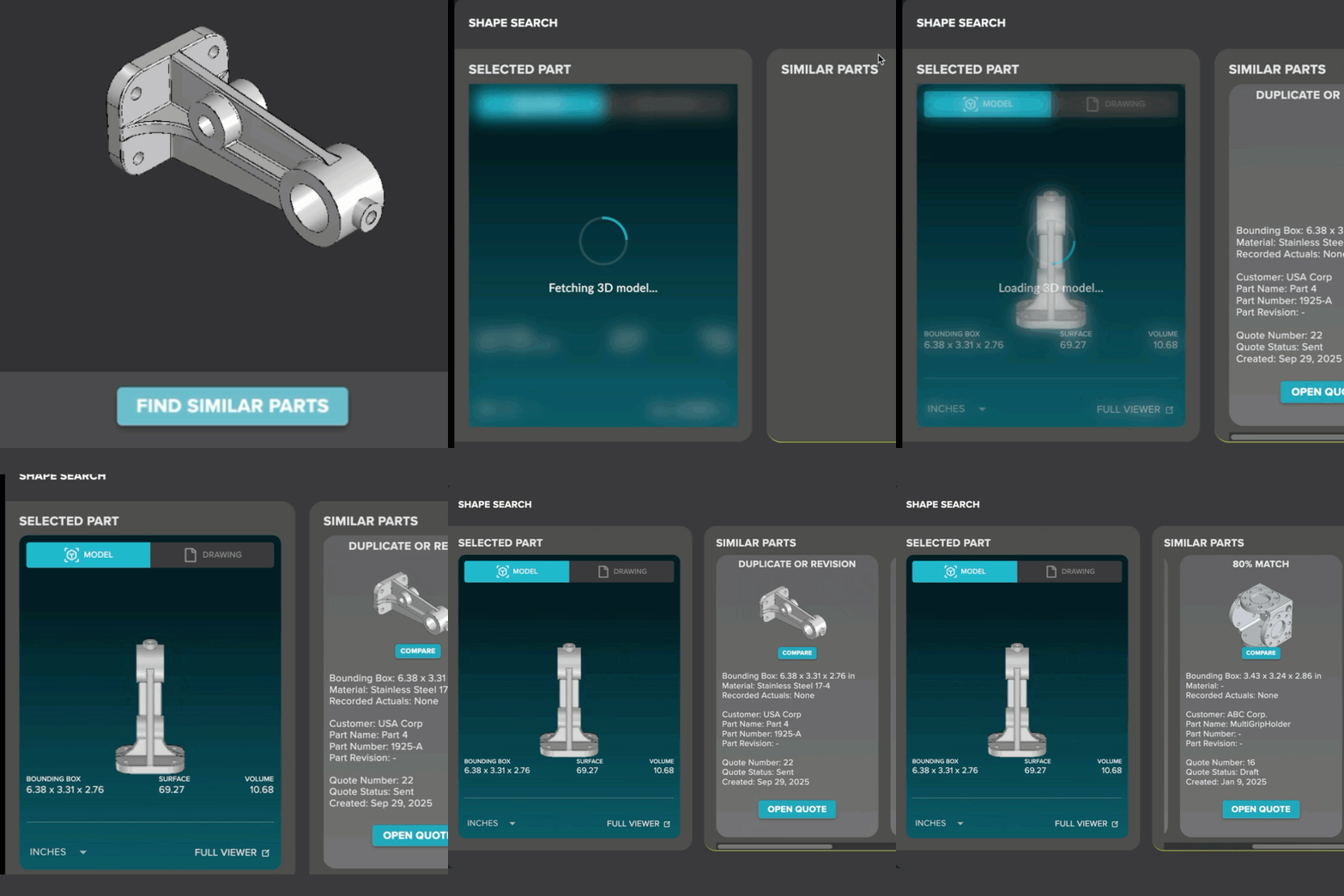
Visual match by geometry, not just file name
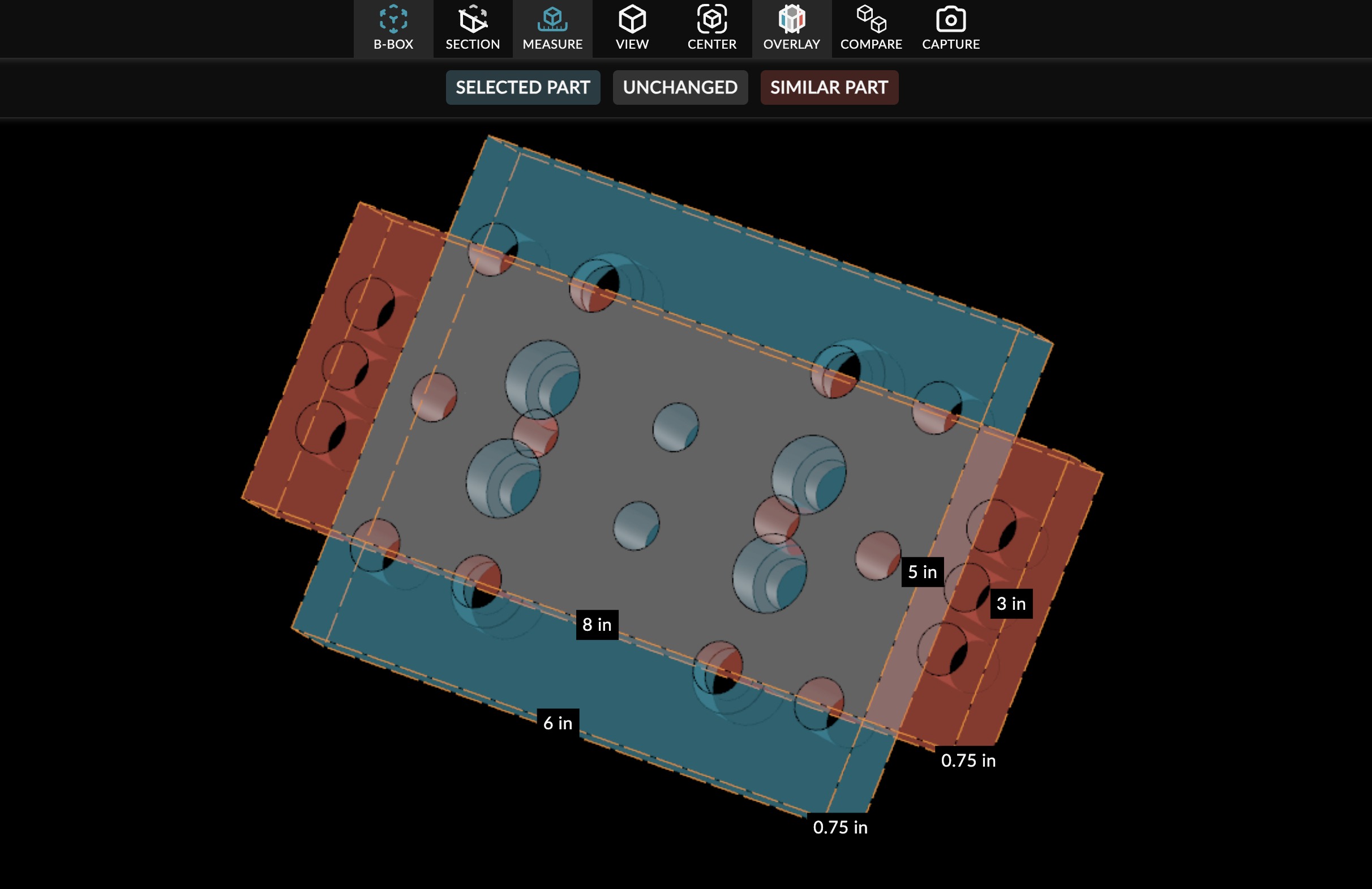
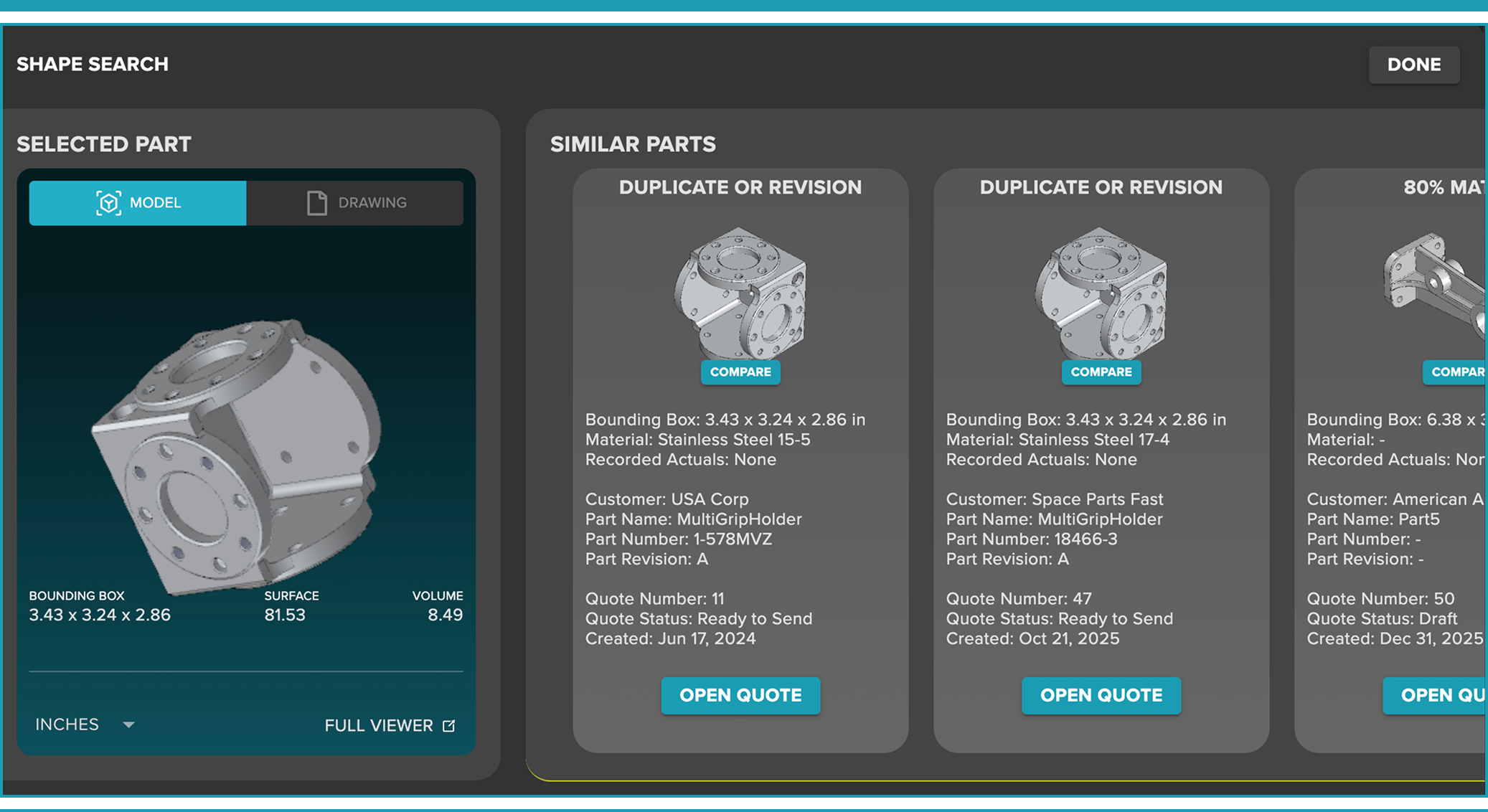
Side-by-side part comparison and overlay to catch revision changes
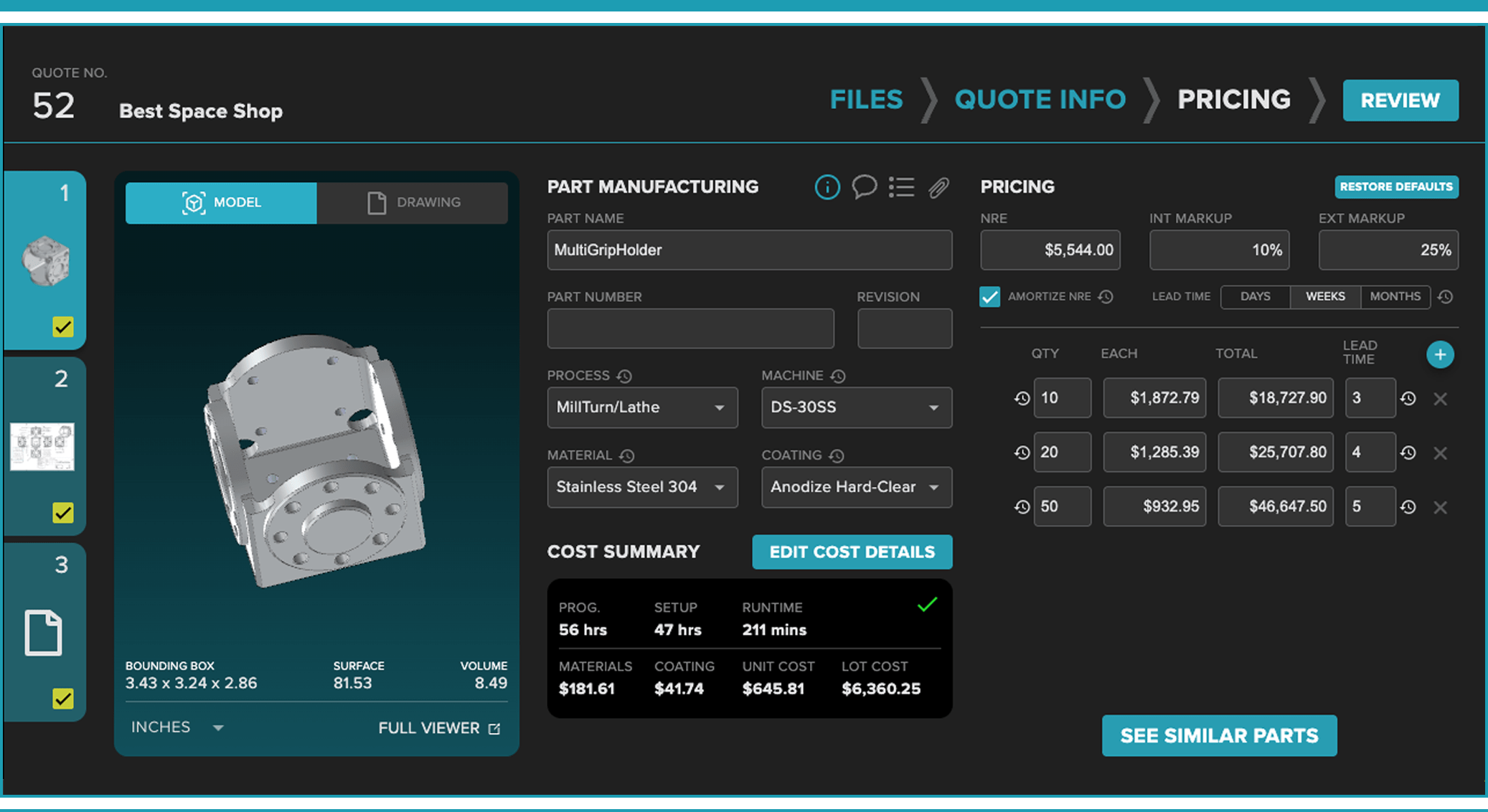
Access historical cost data, cycle times, and prior quotes instantly
You know you've made this part before. But finding it takes longer than just starting over.
That's a problem. Because when pricing isn't grounded in what you've actually done, quotes drift. Margins get guessed. And the institutional knowledge that should belong to your shop stays locked in someone's head — or disappears when they leave.
ShapeSearch finds your past work in seconds
so your next quote starts with real data, not guesswork.
Searches by shape in seconds
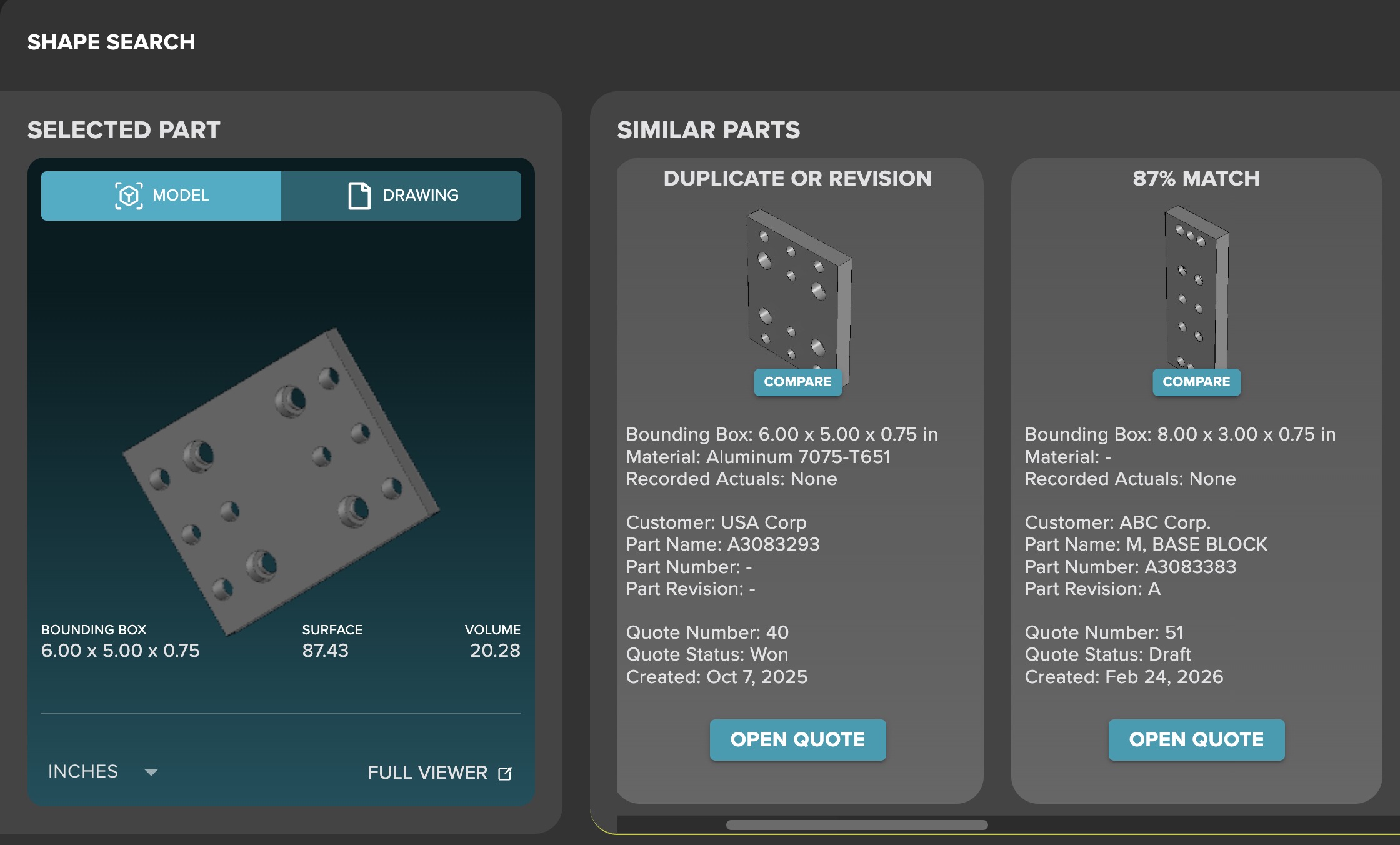
Upload a 3D CAD file. ShapeSearch analyzes the geometry and instantly surfaces the most similar parts with percentage match already in your library
side-by-side comparison and visual overlays
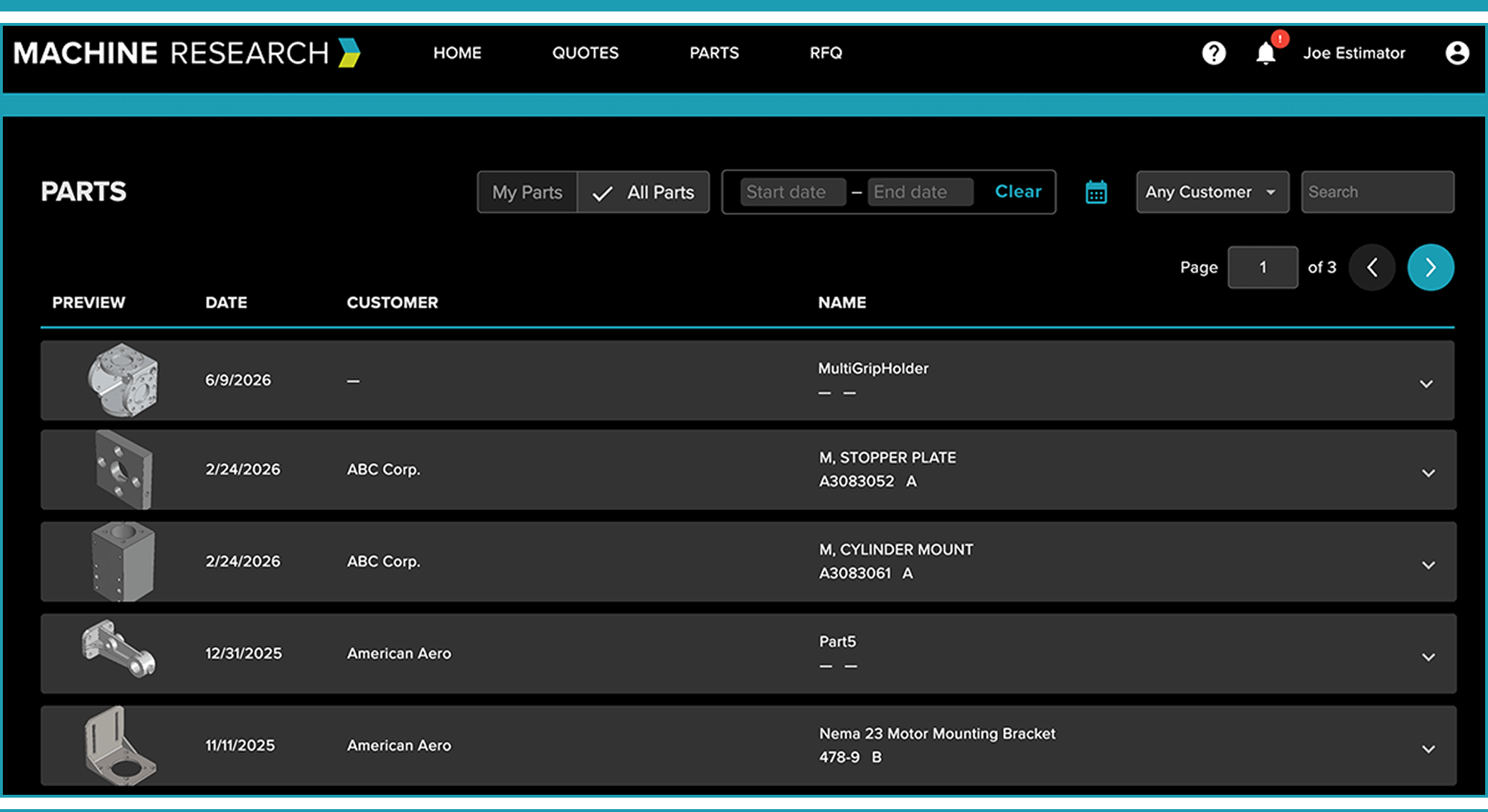
Access and reuse previous job history
Built for what's next
Built to protect data and support CMMC 2.0 compliance
Connects to the tools your shop already uses
Everything your shop needs to quote faster — in one connected platform.
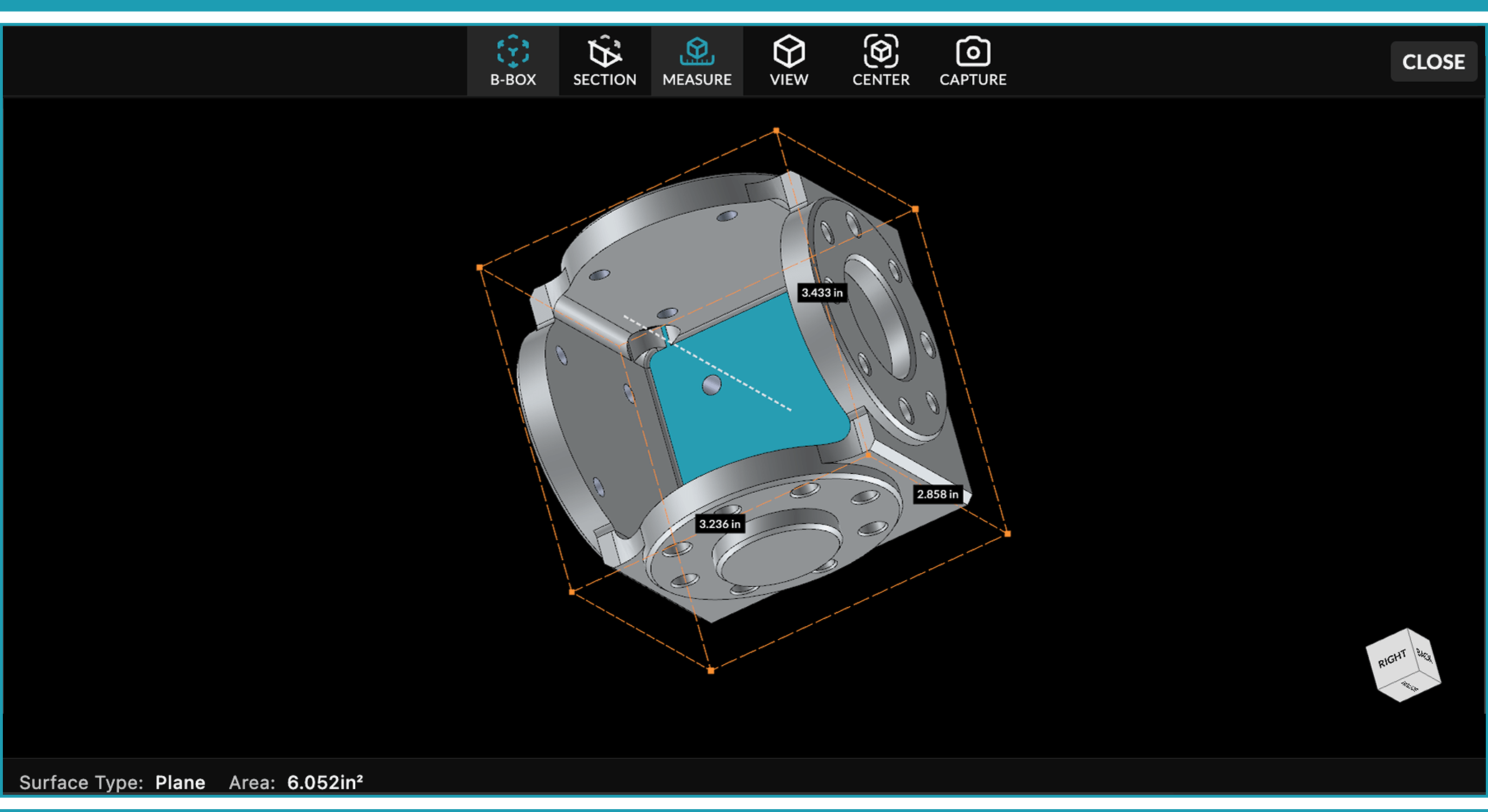
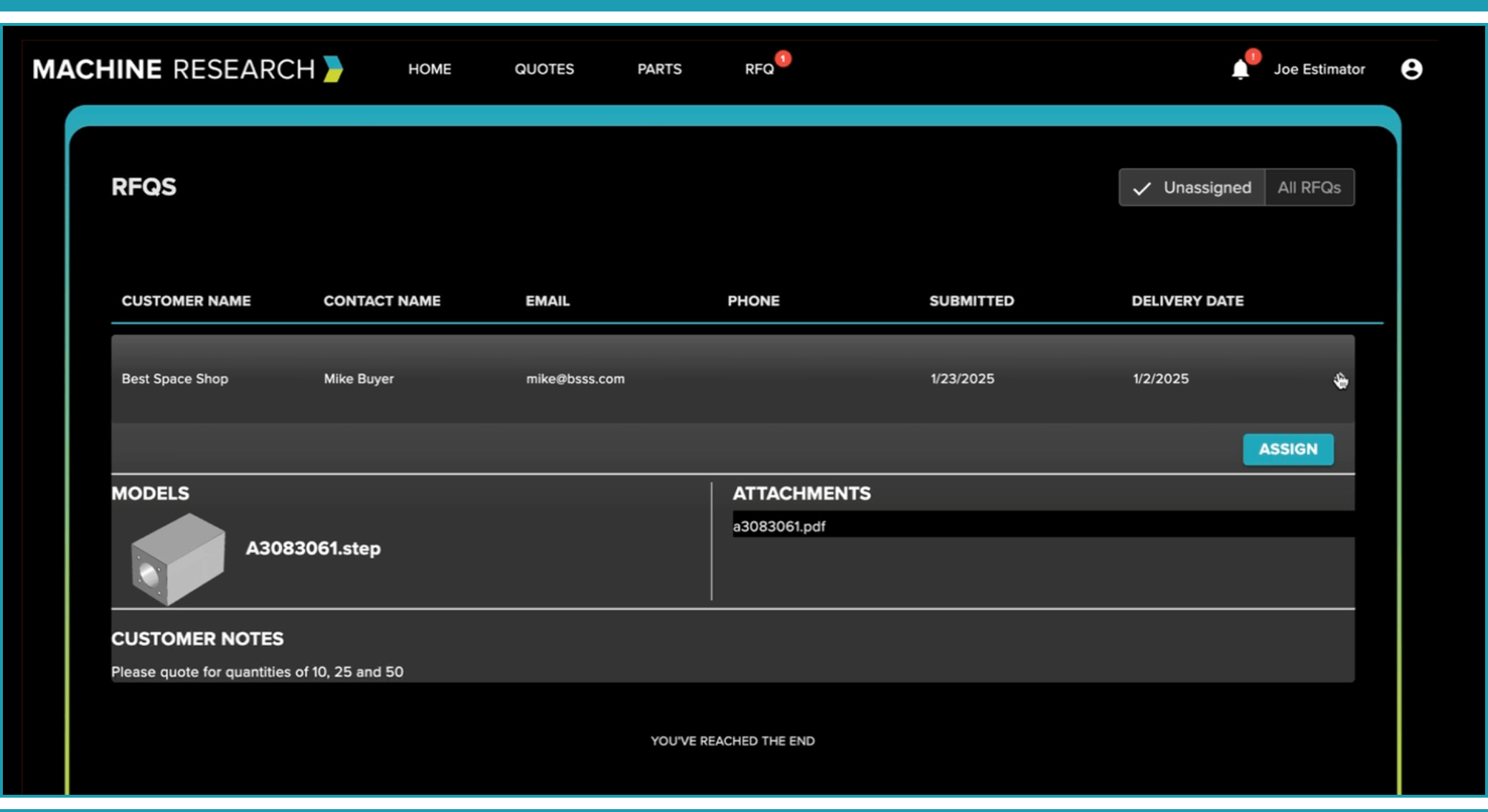
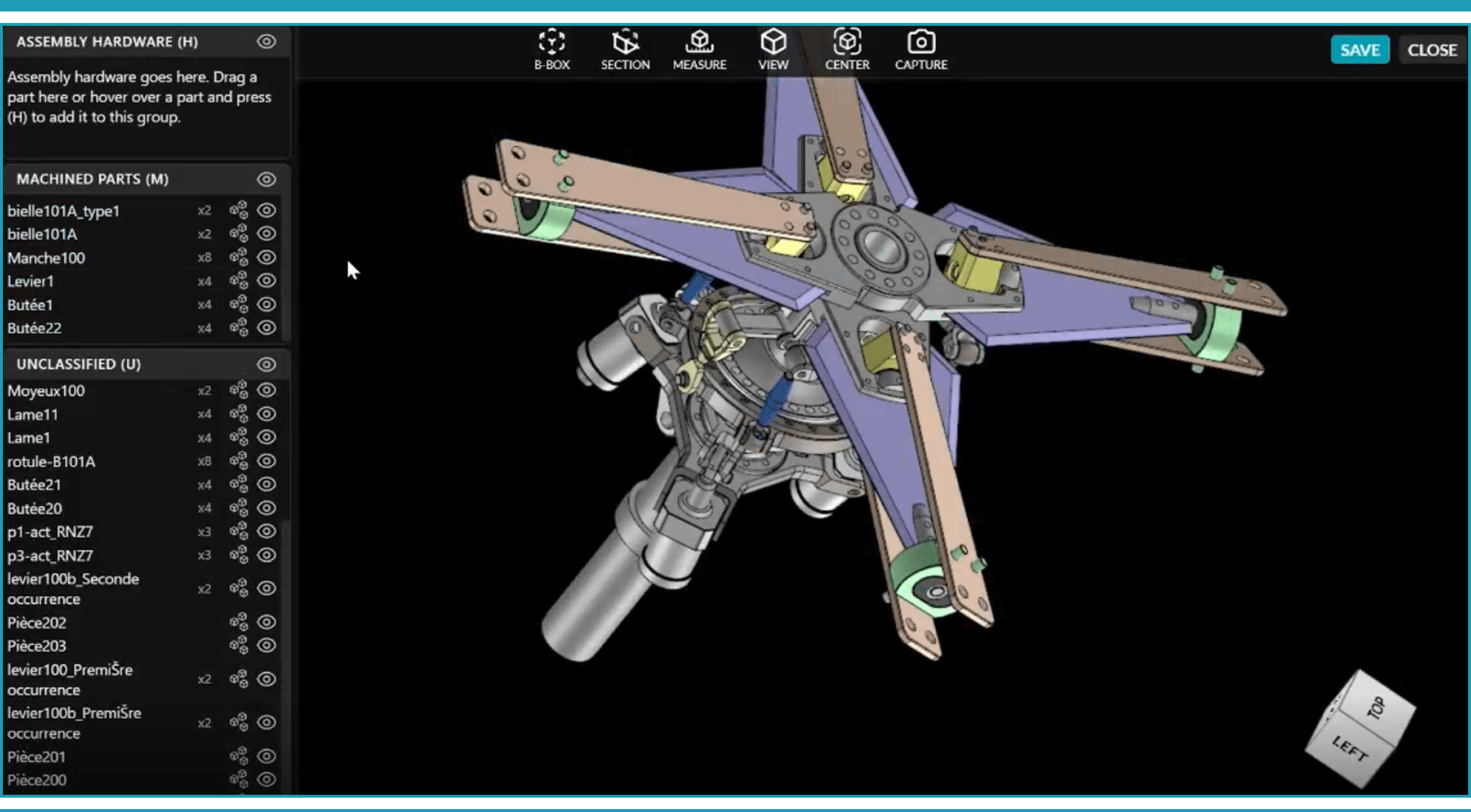
Upload CAD, PDFs, or drawing files individually or in batches — and see the actual 3D part in your browser, no CAD license required. Rotate, measure, section, and analyze geometry before your estimator writes a single number. Supports STEP, CATIA, X_T, SLDPRT, and 10 more file types.
Assembly Estimating
These Shops Stopped Guessing. Here's What Changed.

Josh Cleary, American Manufacturing Excellence

Matthew Dobias, A.R. Machining

Alberto Martinez, Rapid Machine Shop
Become the shop that quotes from knowledge — not memory.
See ShapeSearch in action with your own part types. We'll walk you through the platform and show you how shops like yours are using it to quote faster and protect margins.
FAQS
How do machine shops find similar parts they’ve quoted before?
Most shops manually search folders, emails, or ERP systems. ShapeSearch™ automatically analyzes CAD geometry and finds similar parts and past quotes in seconds.
Can AI search CAD files by shape?
Yes. ShapeSearch™ uses AI-powered geometry analysis to identify similar CNC parts based on shape and manufacturing characteristics — not just file names.
Why is finding similar parts important for quoting?
Reusing historical pricing and production data improves estimating accuracy, speeds up turnaround time, and protects profit margins.
Does ShapeSearch™ work with STEP and other CAD files?
Yes. ShapeSearch supports common 3D CAD formats used in CNC machining, including STEP files.
How is ShapeSearch™ different from basic file search?
Basic search tools look at file names or keywords. ShapeSearch analyzes the part geometry itself, allowing you to find similar parts even if the file name is completely different.
Is ShapeSearch™ built specifically for machine shops?
Yes. ShapeSearch is designed for CNC machining environments and integrates directly with Machine Research’s estimating system.